
Free Photo Stencil Maker for Print, Vinyl & Thermal
A local stencil bench for photos, tattoos, and cut files
Convert PNG, JPG, and WebP files up to 16 MB into crisp cutout templates inside your browser Canvas. Our free stencil maker keeps your image in local memory, strips EXIF and GPS metadata on decode, and exports clean artwork without watermarks or accounts.
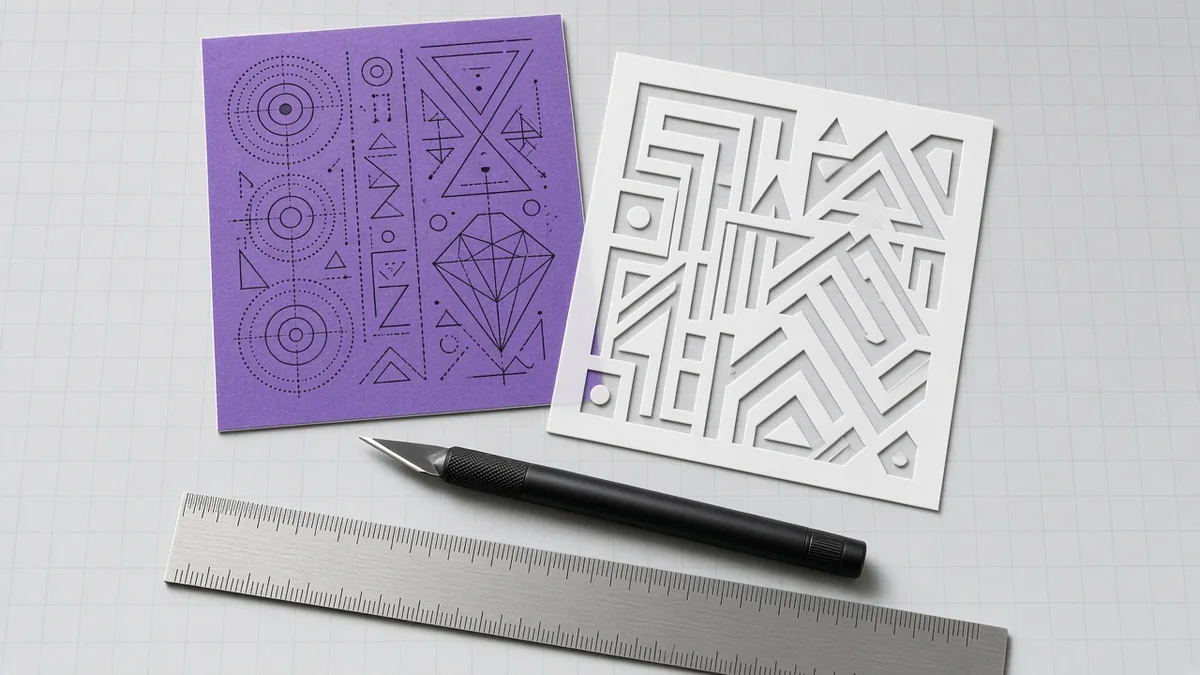
LOCAL BROWSER ENGINE
What Makes This Stencil Maker Workshop-Ready
Every mode in our stencil maker runs client-side DSP for sharp pattern edges, intact cutouts, and exact physical scale.
Four Specialized DSP Modes
Run Sauvola Adaptive B&W with auto-exposure contrast stretch, or pick XDoG Clean Line Art with adjustable line weight in this stencil maker. Preview Tattoo Thermal Purple while exporting pure carbon black #000 on #FFF, or stack Multi-Layer Craft pattern separations in 2-tone and 3-tone passes.
Floating Island & Bridge Tools
A dependable photo stencil maker catches loose cutouts before your blade touches vinyl or acetate. The Floating Island Detector highlights trapped cutout shapes, while the Cut Bridge brush, Add Ink brush, and 1-click Auto-Bridge Islands add mm-calibrated tabs.
True Compound-Path Vector SVG
Skip messy auto-traces with a free stencil maker built for real plotters. Exports write compound paths with fill-rule="evenodd" so holes in O, A, B, eyes, and petals stay intact at 72 DPI cm or inch scale with optional corner registration marks.
1:1 Multi-Page Tiled PDF Output
Print oversized template sheets on A4 or US Letter paper using our photo to stencil workflow. Each 300 DPI tiled PDF includes 1 cm overlap, outside alignment marks, R1C1 tile tags, a 1 in / 2.54 cm calibration bar, and a Calibration Test Sheet PDF.
THREE-STEP WORKFLOW
From Photo to Stencil in Three Local Steps
Move from raw reference image to cut-ready template output with this browser stencil maker.
Load a Picture Locally
Drop a PNG, JPG, or WebP up to 16 MB or pick one of three built-in sample images to test the photo stencil maker right away. Your image stays in local browser memory while Canvas decoding strips EXIF and GPS tags.
Tune Thresholds & Structural Bridges
Pick a DSP mode, dial in line weight or contrast stretch, and flip horizontally for thermal transfers in this free stencil maker. Check flagged floating islands and carve cutout tabs manually or with 1-click Auto-Bridge Islands.
Export Cuttable Vector or Print Files
Save a flat PNG, transparent PNG, compound SVG, or 1:1 tiled PDF in one click from the stencil maker. Your pattern file arrives clean, scaled, and ready for thermal copiers or cutting mats.
BUILT FOR REAL WORKBENCHES
Who Relies on This Stencil Maker Daily
Engineered for ink booths, vinyl cutters, mural walls, and studio print tables.
Tattoo Artists & Thermal Printers
Inspect transfer lines in thermal purple on screen, flip horizontally in one click, and export pure carbon black on white for crisp copier transfer. Every booth gets a fast photo stencil maker without paywalls.
Cricut & Silhouette Crafters
Bring 72 DPI true-scale compound SVG files into Design Space or Silhouette Studio with zero loose cutouts. Multi-layer 2-tone and 3-tone template passes make our free stencil maker a dependable vinyl companion.
Sign Painters & Muralists
Scale a portrait photo to stencil dimensions wider than your desk printer and tape sheets along 1 cm overlap guides. This stencil maker keeps multi-page wall templates aligned square.
OPEN THE WORKBENCH
Try This Free Stencil Maker Right Now
Load an image up to 16 MB or test a built-in sample in our stencil maker to convert photo to stencil artwork locally without waiting.
Common Questions
Frequently Asked Questions
Does this photo stencil maker upload my pictures to a server?
No, every pixel stays in browser Canvas and local memory inside this browser tool. Decoding strips EXIF and GPS metadata automatically, while the site measures only cookieless aggregate page traffic without ad trackers.
What file formats and sizes does the stencil maker support?
You can process PNG, JPG, and WebP files up to 16 MB directly in browser memory. Larger files should be resized before loading into the free workbench so Canvas buffers stay responsive.
How does Auto-Bridge Islands stop stencil cutouts from falling out?
The Floating Island Detector flags enclosed shapes like centers of O, A, and B before export. Run 1-click Auto-Bridge Islands at a mm-calibrated width or paint tabs with the Cut Bridge brush in our photo to stencil tool.
Why does thermal mode preview purple while the stencil maker exports black?
Real thermal copiers read pure carbon black #000 on #FFF far more cleanly than colored ink, so that is default output in this photo stencil maker. An optional purple preview export remains available for proofing.
Will SVG and PDF files from this stencil maker keep real physical size?
Yes, compound evenodd SVG exports map to true 72 DPI units for exact Cricut Design Space and Silhouette Studio import. Tiled 300 DPI stencil sheets include R1C1 tags, 1 cm overlap, a 1 in / 2.54 cm ruler, and a Calibration Test Sheet PDF.